The Hidden Cost of Teacher Workload: Constant Switching Between Systems
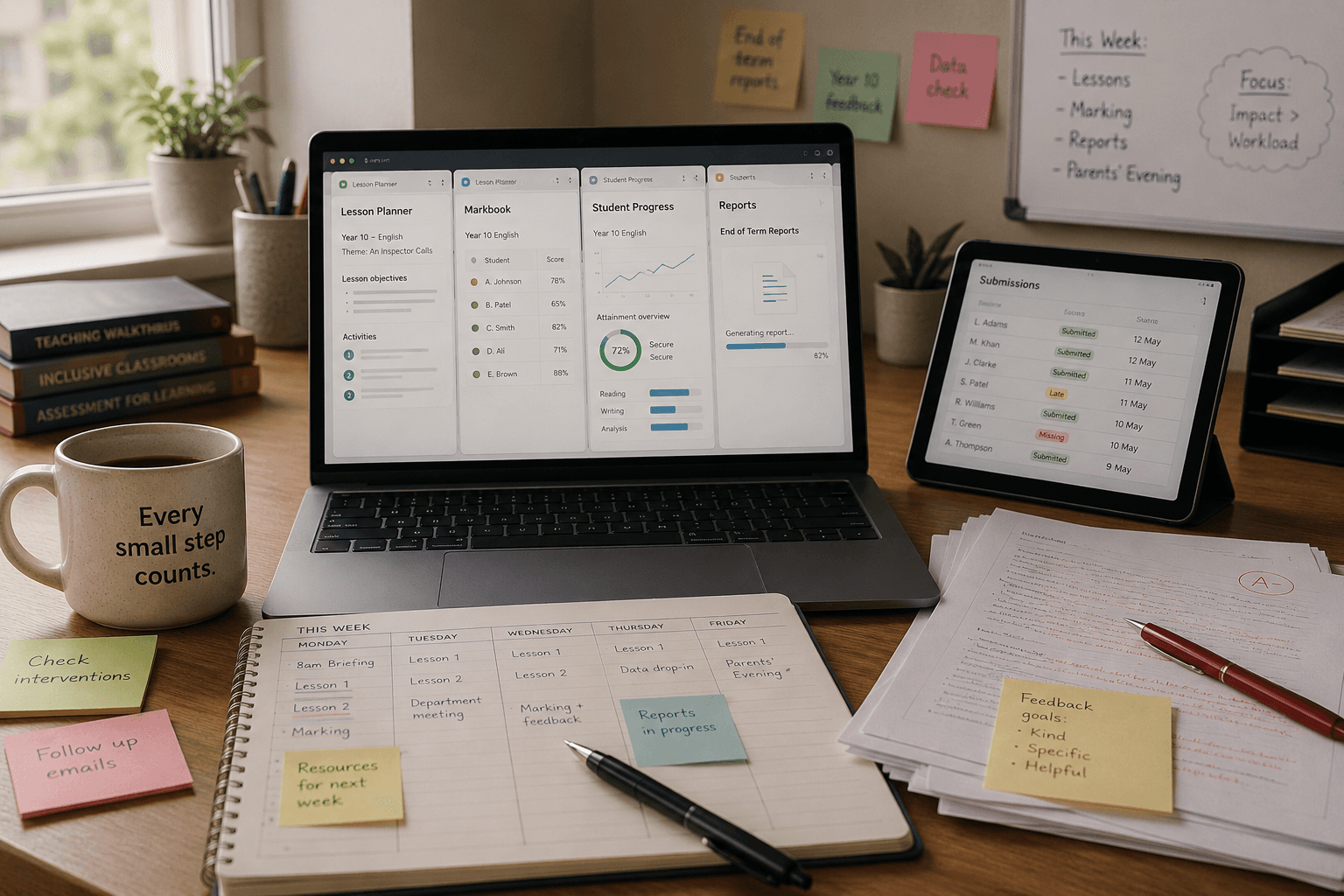
When conversations around teacher workload happen, the focus is often placed on volume.
Too many reports.
Too much marking.
Too much planning.
Too many platforms.
But one of the less visible pressures in teaching is the constant switching between tasks and systems throughout the day.
Planning lessons.
Reviewing student work.
Tracking progress.
Responding to submissions.
Writing reports.
Preparing feedback.
Individually, each task may seem manageable.
Together, however, they can create a fragmented workflow that increases mental load and reduces time for actual teaching.
In many schools, teachers are expected to move between multiple systems to complete a normal week’s work.
A lesson may begin on one platform.
Feedback may happen in another.
Progress tracking somewhere else.
Reporting in an entirely separate space.
Over time, that constant context-switching can become exhausting.
The Problem Is Not Always One Big Task
Teacher workload rarely comes from one overwhelming responsibility.
More often, it builds gradually through repeated interruptions, duplicated processes, and admin-heavy routines.
Even small actions can accumulate:
Re-entering similar information across systems
Switching tabs and platforms repeatedly
Manually organising resources
Rewriting similar feedback
Searching for student progress information across multiple tools
These tasks may appear minor individually, but together they can consume significant time and energy.
This is one reason why conversations around workload should not only focus on reducing tasks, but also on improving workflow.
Why Workflow Design Matters
Technology in education is often discussed in terms of features.
But for many teachers, the real question is simpler:
Does this make the day feel smoother or more fragmented?
A connected workflow can reduce friction.
Not by replacing teachers, but by reducing repetitive admin and making everyday processes easier to manage.
This becomes especially important during periods such as:
exam season
end-of-term reporting
lesson preparation cycles
assessment periods
progress reviews
At those times, even small inefficiencies can quickly become stressful.
A Walkthrough of Dolly’s Connected Workflow
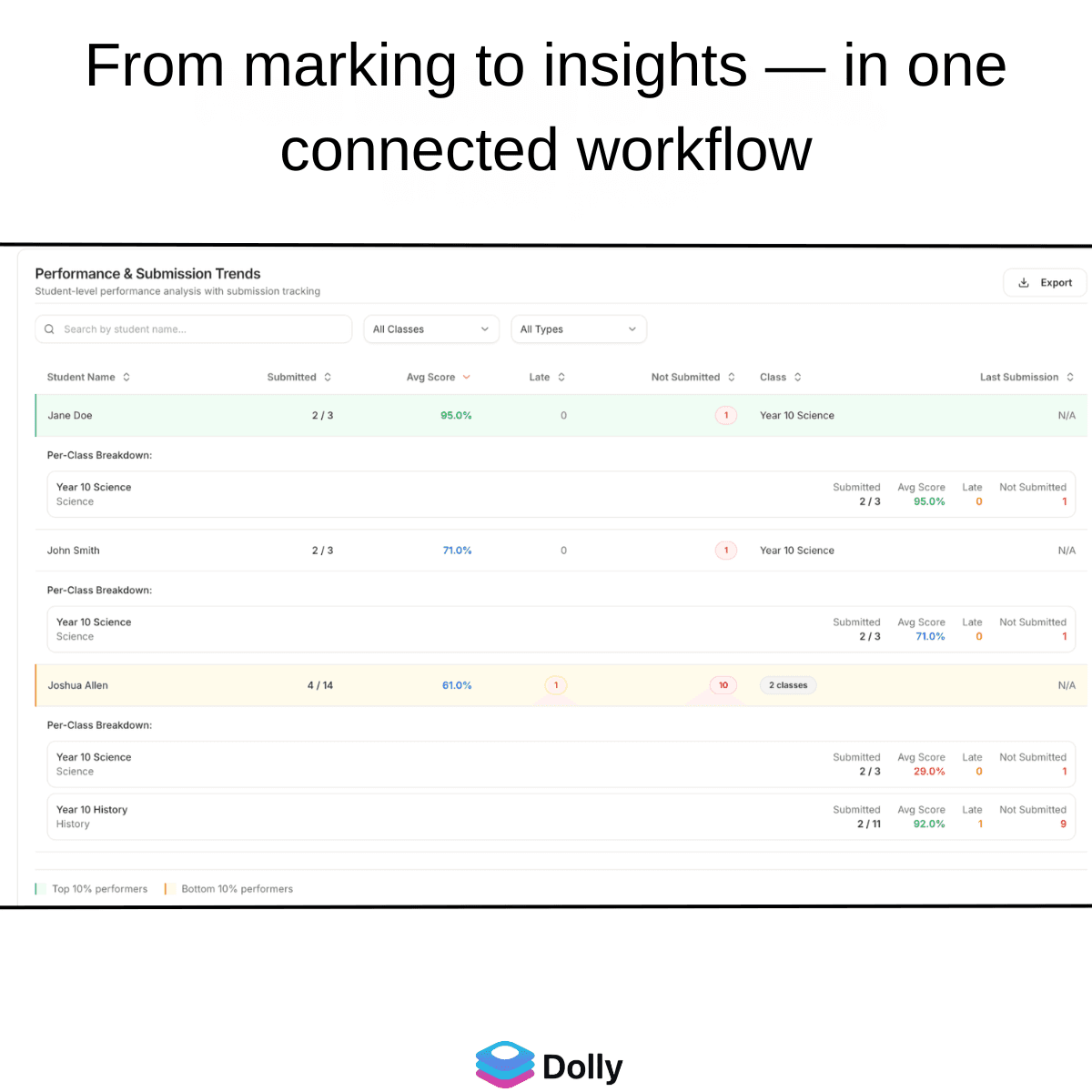
We recently recorded a short walkthrough showing how Dolly connects different parts of the teaching workflow into one system.
The walkthrough includes:
curriculum planning
marking workflows
feedback support
progress insights
reporting support
Rather than functioning as isolated tools, the goal is to bring these processes together into one connected flow.
Watch the walkthrough here:
https://www.youtube.com/watch?v=XdM2j7ttilQ
You can also learn more about Dolly and join at:
Supporting Teachers, Not Replacing Them
One of the most important conversations in EdTech right now is how technology should support teachers.
The goal should not simply be to add more tools into classrooms.
It should be to reduce unnecessary friction.
Teachers already manage enormous amounts of emotional, organisational, and administrative responsibility.
When systems are designed around real classroom workflows, technology becomes less about automation for its own sake and more about creating space for teaching, feedback, and student support.
That is ultimately where many educators want to spend their time.
Not switching endlessly between systems.
But focusing on students.